RudiKids

Morning
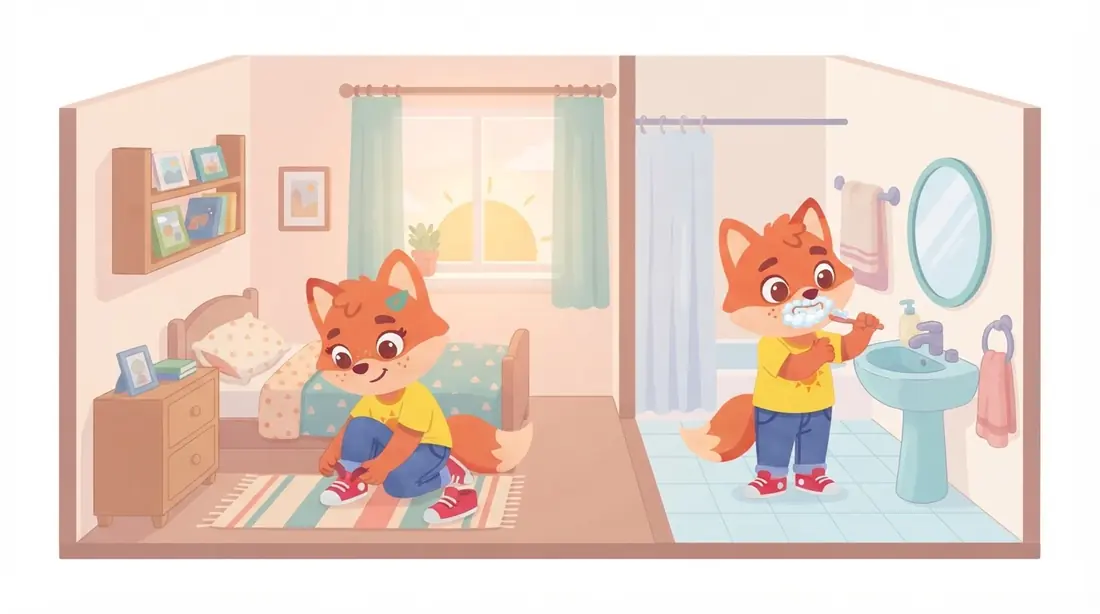
From bed to the front door: pants, socks, teeth, breakfast, and finally shoes and coat. The sun in the sky shows how much time is left — no numbers needed.
RudiKids — everyday routines with support from you and a little fox.
You choose the steps and settings, then show your child how to use the plan. Rudi uses pictures and a voice to remind them what comes next: socks, teeth or breakfast. Your child does the activity away from the screen and taps the “Done!” paw. You stay nearby to explain and help where needed.
RudiKids is available on Google Play.
Try full Premium for 30 days. No card and no automatic charge. One-time activation in the grown-ups’ area requires internet.
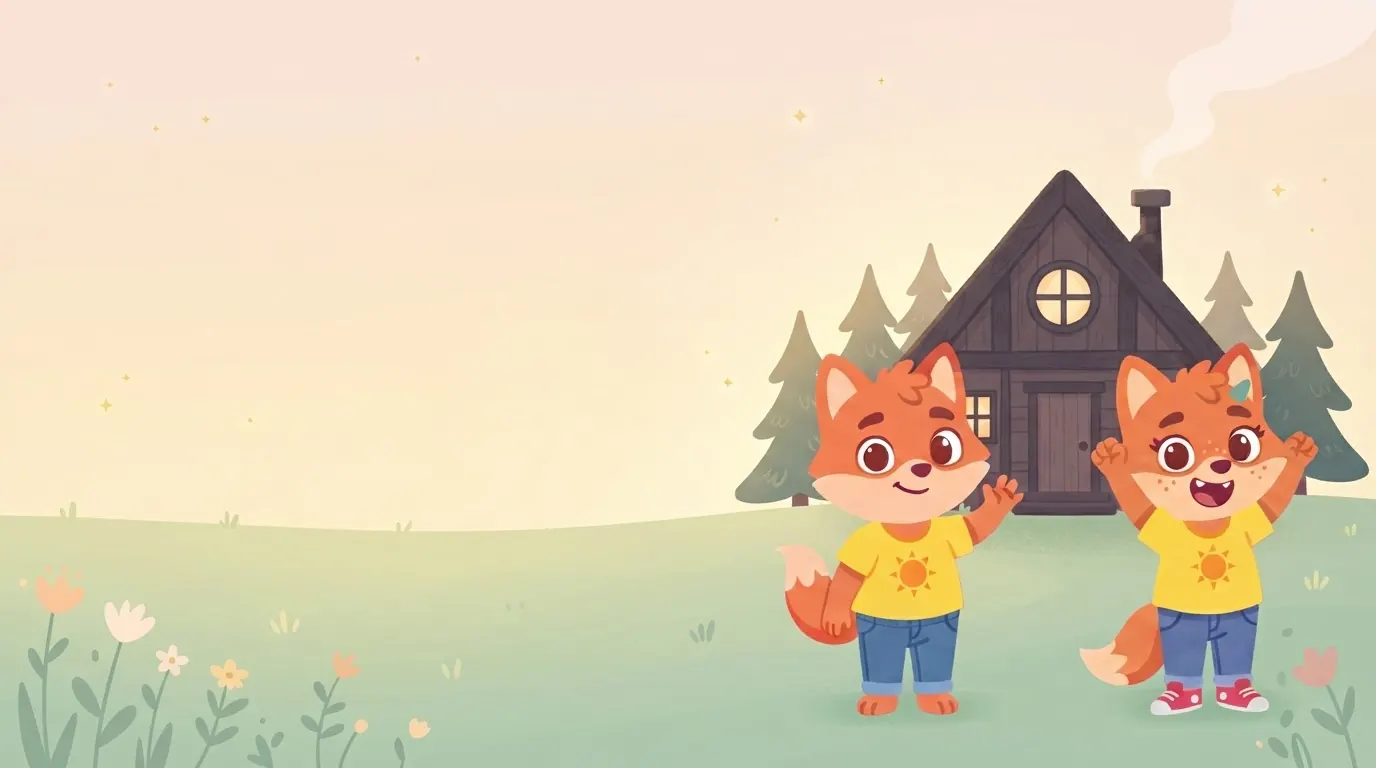
A picture, a voice and a “Done!” paw — see how the fox accompanies everyday preparations. Watch a portrait video on your phone or a landscape video on your computer.
You don’t have to explain the whole morning every time. One clear step, a small confirmation, then the next activity — at your family’s pace.
RudiKids is an app for family routines that you set up as a parent. Your child can see the next activity, mark it as done, and visit the sticker album and the fox's room. It is a tool for everyday preparations, not a game intended to keep your child on a phone all day.
From bed to the front door: pants, socks, teeth, breakfast, and finally shoes and coat. The sun in the sky shows how much time is left — no numbers needed.

Unpack the school bag, wash hands, have a meal, tidy up toys — and homework for older children. Then it's time to visit the fox's room.

Dinner, bath, pyjamas, teeth and clothes ready for tomorrow. The fox falls asleep with your child and the screen goes dark — stories happen without a screen.
Plus plans of your own: swimming, tidy-up time, clubs or a visit to Grandma — step by step, just like in the morning. For an unplanned outing, start a one-off ⚡ quick task from the home screen, through the parent gate, and for waiting, the ⏳ fox timer with a sun instead of numbers.
During a routine, use the phone for a brief check of the next step and to mark it done. The rest happens away from the screen: getting dressed, brushing teeth or putting a school bag away. The album and the fox's room are extras — agree on when to visit them. The app does not replace your family's rules for phone use.
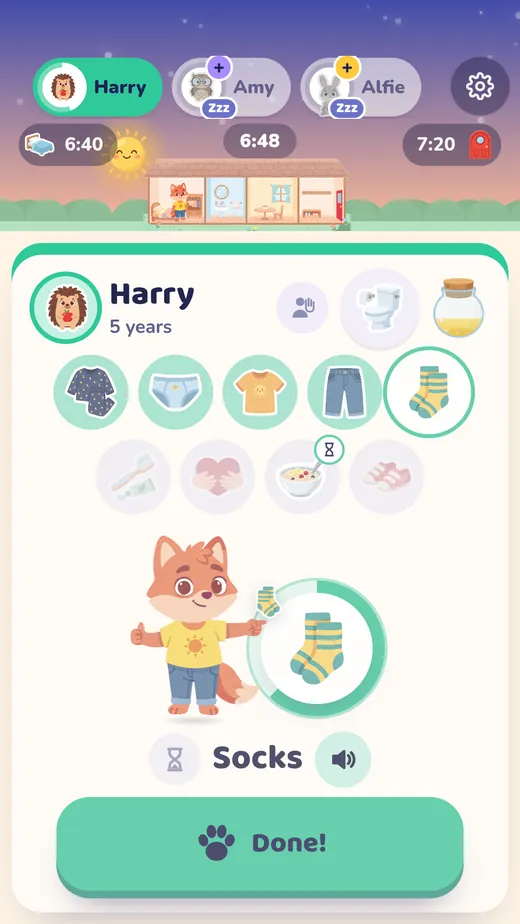
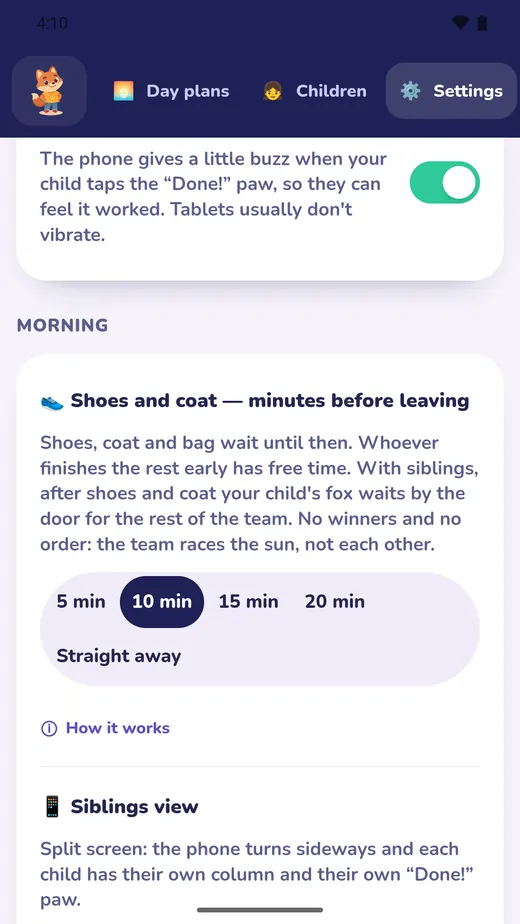
See the real app before setting it up for your family. The video takes you from first launch to a ready plan and the first spark — with demo details, at a calm pace.
An older child may need fewer reminders, but skills and circumstances matter more than age alone. If a step is difficult, do it together again.
After setting up a profile, open the grown-ups’ area and the Packages tab. Activate the trial there without a card. Internet is needed only for activation or recovering the deadline after reinstalling. This short video shows the new button.
With siblings the phone turns sideways and each child gets their own column and their own “Done!” paw. Nobody races anybody: the foxes leave together once the whole team is ready.
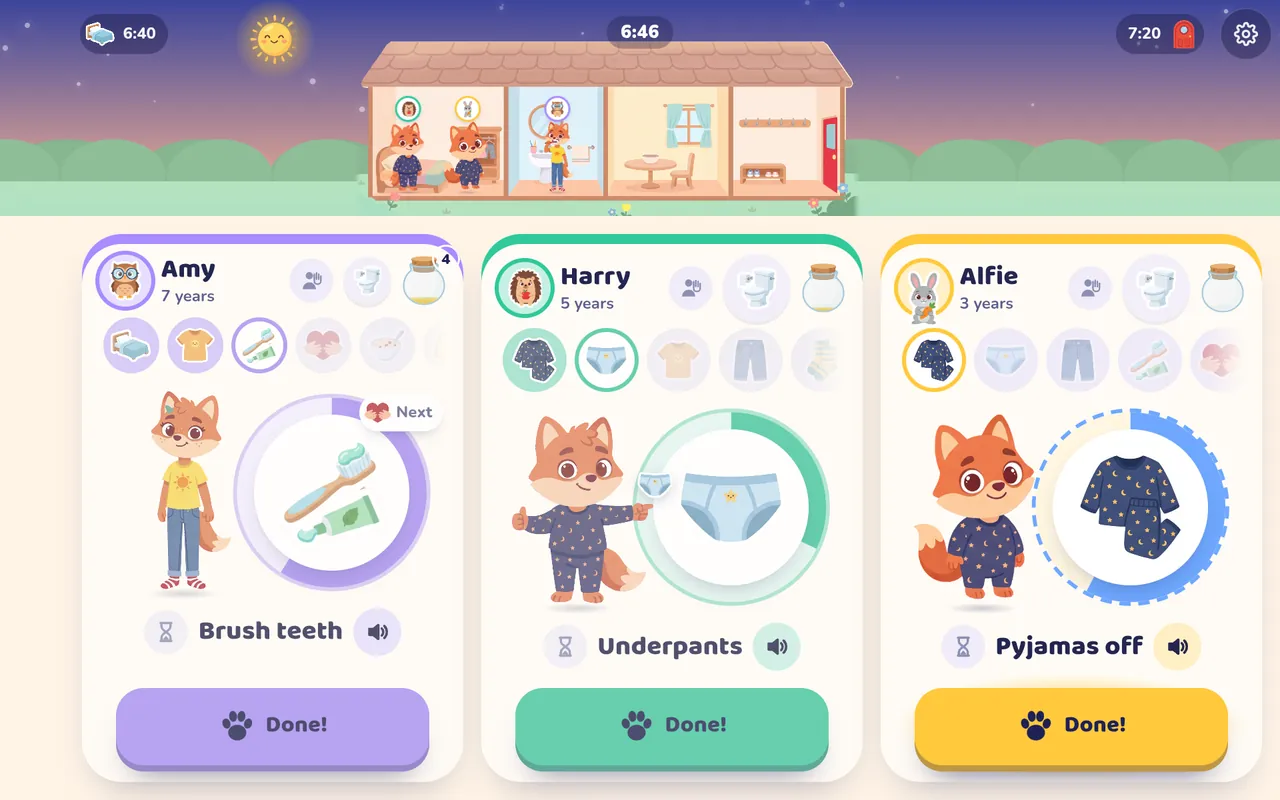
Pictures and voice instead of text. The screen and the fox adapt to age: a little one sees one picture without numbers, an older child also a spark counter. Every child sees what comes next in the row of small icons. Children aged 9–12 can organise school preparation, household chores and personal goals with a grown-up.
Every child has their own plan, pace and times — even different ones on chosen days, such as staying home on Saturdays. When one child starts later today, the others begin straight away and they join in when they're ready.
RudiKids doesn't replace a parent. It helps while an adult is around: it takes over some of the reminding and leaves the important decisions to you.
We look at research on routines, picture schedules and adult support, alongside guidance on digital media. It provides context for showing children how a plan works and adjusting the help they need. It does not establish RudiKids' effectiveness — the app has not undergone its own effectiveness studies.
RudiKids is not a therapy or a clinical study. We use principles described in research, but the app itself has not been scientifically tested for effectiveness. We don't promise a “21-day habit”.
Start with all features: mornings, day plans, siblings, the fox’s room and your voice. No RudiKids account, no card, no subscription and no automatic charge when your trial ends.
After 30 days, decide in the grown-ups’ area: keep the free morning or choose Basic or Premium. All family data remains saved. Children never see prices or purchases.
PLN 0 / month
Free forever, no card
A morning for one child — always free.
PLN 6.67 / month
billed annually — PLN 79.99 once a year
PLN 7.99 / month · you save PLN 15.89 a year
You can also pay monthly: PLN 7.99 / month
PLN 8.33 / month
billed annually — PLN 99.99 once a year
PLN 11.99 / month · you save PLN 43.89 a year
You can also pay monthly: PLN 11.99 / month
Prices for Poland. A paid package is a renewing Google Play subscription, purchased separately only when you choose it. Check the final price, period and renewal terms in the store before confirming. The free RudiKids trial never turns into a subscription automatically.
For phones and tablets with Android 10 or newer. Get RudiKids on Google Play, set up your first morning and enjoy full Premium for 30 days without a card. The store handles installation and updates.